
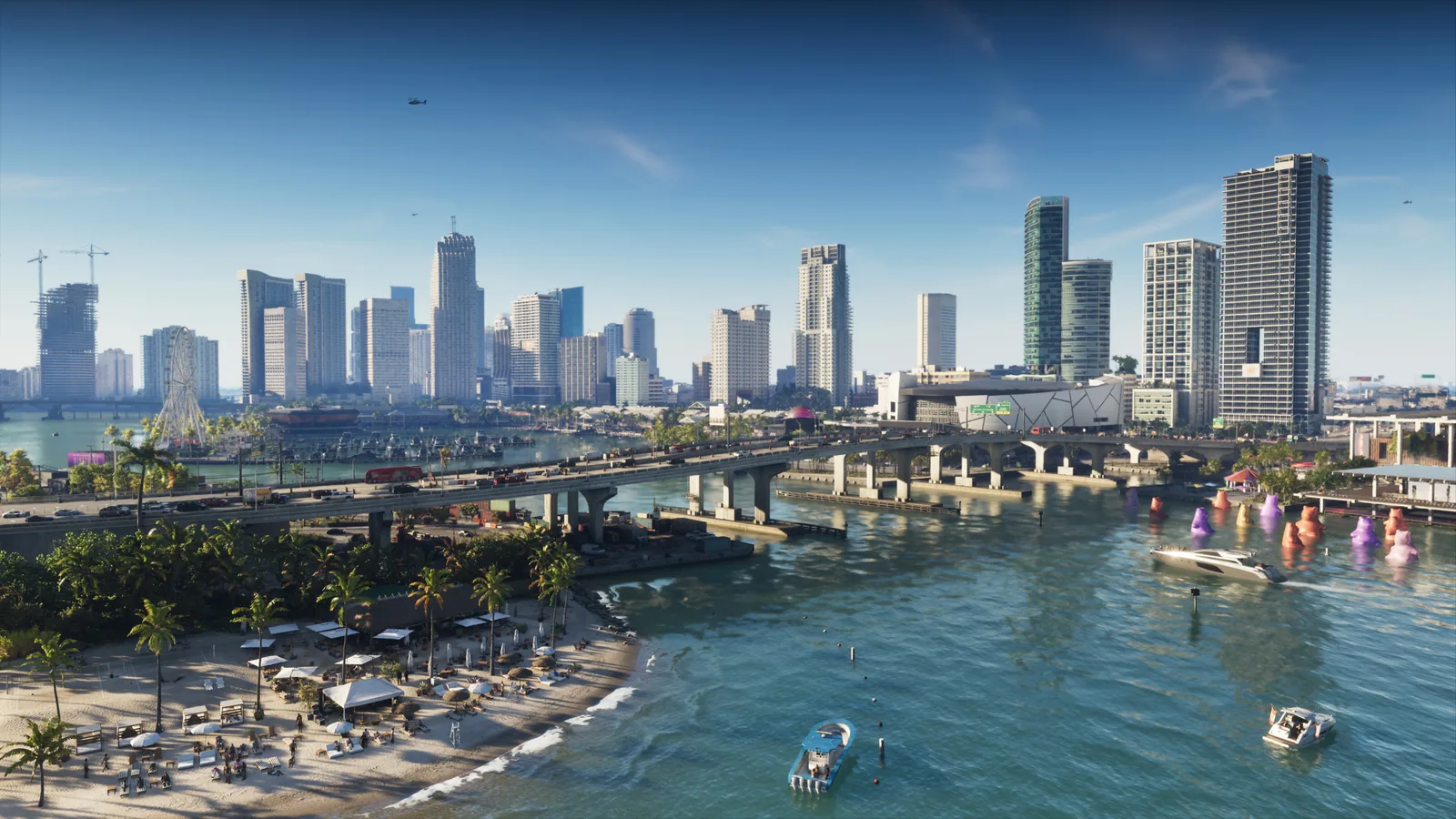
Rockstar published the official printable Leonida map as a free download on November 19. Open Rockstar's GTA VI Media page ↗ (opens in a new tab), find Leonida Map & Cover Art Poster, and choose View Options. Use the map option if you want to see the geography; the cover-art poster is a different download in the same section.
Use the map for orientation
Rockstar and PlayStation introduce six regions: Vice City, Leonida Keys, Grassrivers, Port Gellhorn, Ambrosia, and Mount Kalaga. If you are starting with the poster, first find the city and the Keys, then look inland for Ambrosia and north for Mount Kalaga. These are orientation points. A printed region label cannot tell you which activities become available at a specific point in the campaign.
Rockstar's launch announcement also directs players to IGN's official guide. That guide combines an interactive map with walkthroughs of the first two chapters at launch. For a first trip through Leonida without story details, start with the printable map. Use the interactive guide when you want a particular location and understand what a map marker may reveal.
Printable download and physical poster are different
Rockstar's November 19 announcement describes the map download as free and says a double-sided physical poster would be offered separately at the Rockstar Store shortly after launch. You do not need to buy a collector's box to get the digital file. GTA6Hint's map preview remains a separate regional reference and does not host the official print file or claim to verify in-game coordinates.
Correction, Nov 20: An earlier version listed rumored locations, a collector's box price, and police mechanics without supporting evidence. We withdrew those claims and now link directly to the map that Rockstar released.