
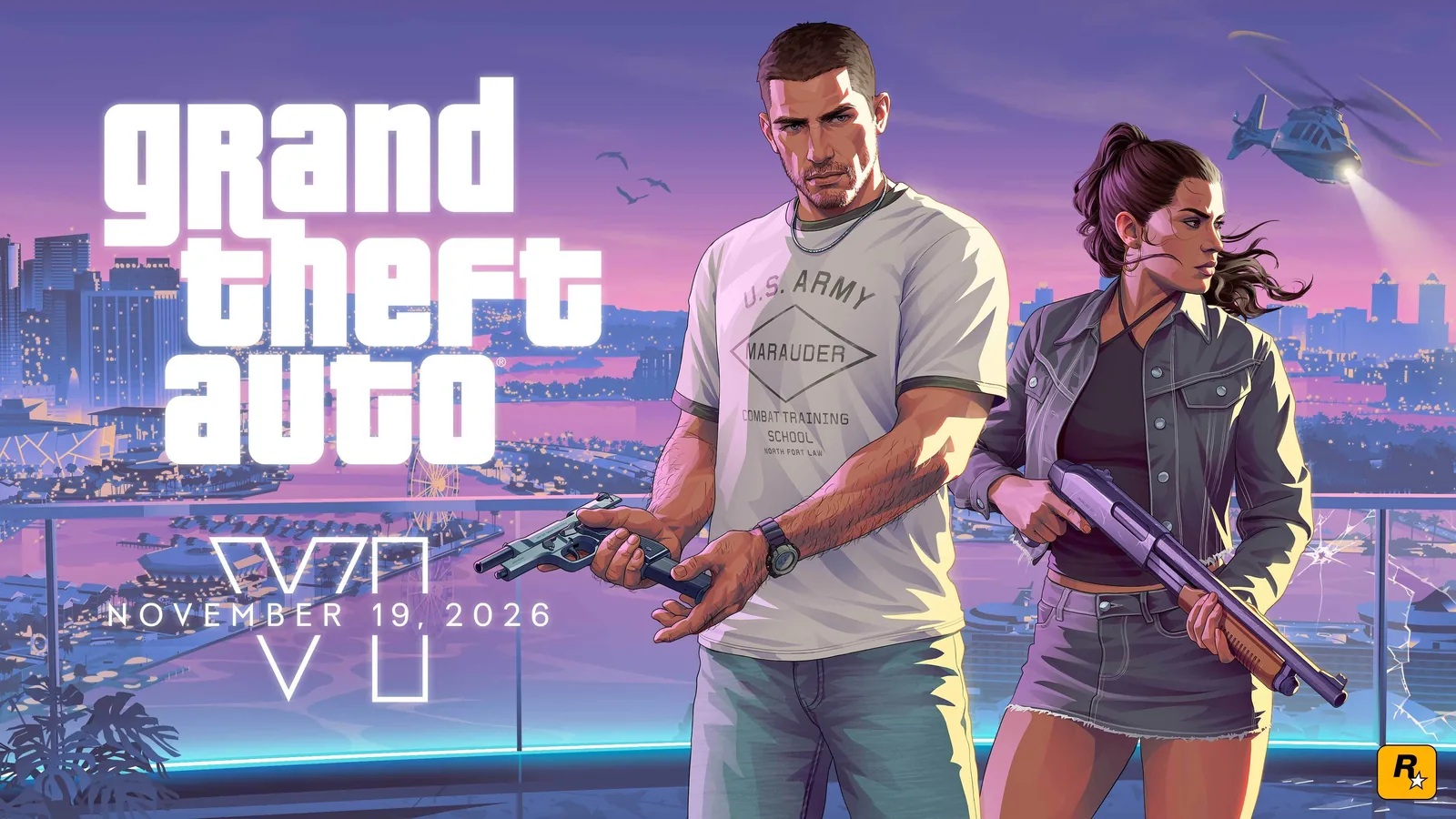
Rockstar says GTA VI fully supports Remote Play on PlayStation and Xbox; enable it in console settings and use the PS Remote Play or Xbox app.
Enable Remote Play
Rockstar says GTA VI will fully support Remote Play on PlayStation and Xbox. Turn on Remote Play in your console's settings.
Apps and devices
Use the PS Remote Play app or the Xbox app on a supported phone, tablet or PC.
Network tips
Remote Play streams from your own console, so your home upload speed matters.
Limits
Picture quality and latency depend on your network.
What's confirmed and what isn't
Confirmed by official sources
- Rockstar says GTA VI will fully support Remote Play on PlayStation and Xbox. (source ↗ (opens in a new tab))
Reported, not confirmed
- Nothing in this guide relies on unconfirmed reports.
Checklist
- [ ] Enable Remote Play
- [ ] Apps and devices
- [ ] Network tips
- [ ] Limits
Related guides and news
- GTA VI on PS5 supports Remote Play and offline
- How to play GTA VI on Xbox Cloud Gaming
- Streaming GTA VI without Game Pass
FAQs
Which Remote Play options does Rockstar say GTA VI supports?
Rockstar says GTA VI fully supports Remote Play on PlayStation and Xbox; enable it in console settings and use the PS Remote Play or Xbox app. Source: Rockstar Newswire ↗ (opens in a new tab)