
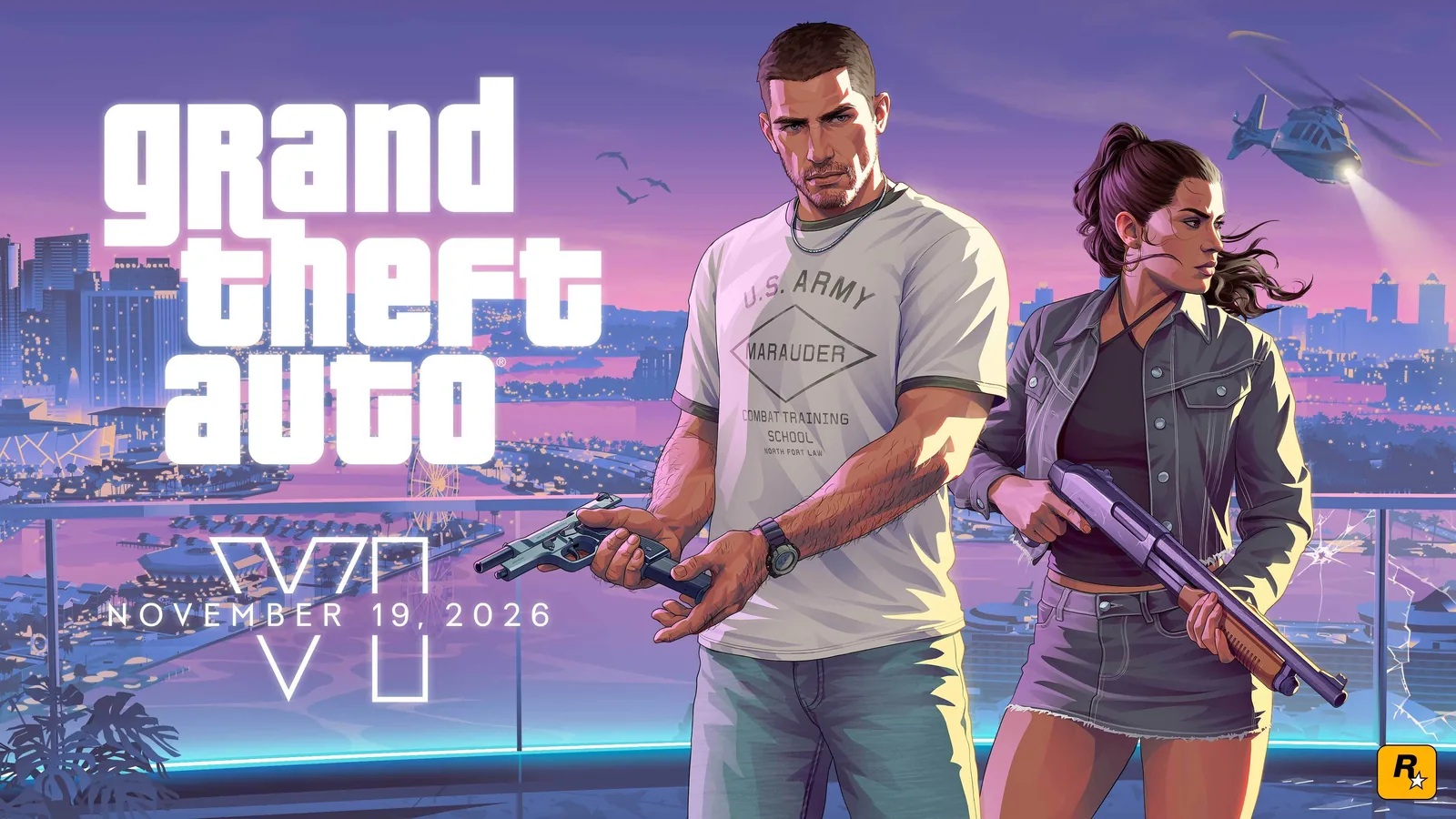
How to play GTA VI on your PC monitor or handheld right now
Rockstar Games launched Grand Theft Auto VI on PlayStation 5 and Xbox Series X|S on November 19, 2026, with no native PC release date announced yet. If you play primarily at a PC desk or on a Windows handheld like the ROG Ally or Lenovo Legion Go, official Console Remote Play is the only verified way to run your retail console copy on a PC screen.
Option 1: PS5 to Windows or Mac via PS Remote Play
- Enable console permissions: On your PS5, open Settings > System > Remote Play and turn on Enable Remote Play. Under Power Saving > Features Available in Rest Mode, toggle on Stay Connected to the Internet and Enable Turning On PS5 from Network.
- Use wired Ethernet on the PS5: Connect the console directly to your router via Gigabit Ethernet. Wi-Fi to Wi-Fi hops double latency and introduce compression artifacts during fast driving through Vice City.
- Install the official desktop client: Download PS Remote Play directly from playstation.com on Windows or macOS, sign in with the exact PSN account that owns GTA VI, and pair the device.
- Connect DualSense over USB-C: Plugging a DualSense controller straight into your PC USB port enables native haptic feedback and trigger resistance without Bluetooth lag.
Option 2: Xbox Series X|S to Windows PC via Xbox Console Streaming
- Open Settings > Devices & connections > Remote features on your Xbox Series X|S and check Enable remote features.
- Switch Power options to Sleep so the console can wake for streaming sessions.
- Launch the official Xbox app on Windows 11, click the console icon beside your notification bell, and select your paired Xbox Series X|S. Note that browser-based Xbox Cloud Gaming is blocked on PC for GTA VI and restricted to Xbox consoles.
Scam prevention checklist for PC players
Any site promising a standalone Windows installer, cracked archive, private Steam beta key, or PC cloud link outside Sony or Microsoft's official apps is fraudulent. Run any suspicious link description through our PC Scam Safety Checker before clicking, or plan future hardware upgrades using our PC Hardware Prep Guide.
Questions readers ask
Can I play GTA 6 on PC without owning a PS5 or Xbox?
No. Rockstar has not released a native PC build, and Microsoft restricts Xbox Cloud Gaming for GTA VI to console hardware rather than PC browsers. Rockstar Games source
Does PS Remote Play preserve DualSense triggers on Windows?
Yes. Connecting a DualSense controller over USB-C enables adaptive triggers and haptic feedback in the official PS Remote Play desktop client. Sony Interactive Entertainment source